Enjoy our special promotional speed upgrade! Myanmar Net (Home) internet speed has been increased from 9.5 Mbps to 12 Mbps until the end of April, so you can enjoy a faster and smoother internet experience.ဧပြီလကုန်ထိ မြန်မာနက်(အိမ်သုံး) ပုံမှန်မြန်နှုန်း 9.5 Mbps ကို 12 Mbps အထိ အထူးပရိုမိုးရှင်း မြန်နှုန်းတိုးမြင့်ထားပြီး စိတ်ချမ်းသာစွာ အင်တာနက် အသုံးပြုနိုင်ပါပြီ။Enjoy our special promotional speed upgrade! Myanmar Net PLUS (31,000 Ks) internet speed has been increased from 16.5 Mbps to 22 Mbps until the end of April, so you can enjoy a faster and smoother internet experience.ဧပြီလကုန်ထိ မြန်မာနက်PLUS ပုံမှန်မြန်နှုန်း (31,000 Ks) တန် 16.5 Mbps ကို 22 Mbps အထိ အထူးပရိုမိုးရှင်း မြန်နှုန်းတိုးမြင့်ထားပြီး စိတ်ချမ်းသာစွာ အင်တာနက် အသုံးပြုနိုင်ပါပြီ။Enjoy our special promotional speed upgrade! Frontiir SLA internet speed has been increased from 26 Mbps to 32 Mbps until the end of April, so you can enjoy a faster and smoother internet experience.ဧပြီလကုန်ထိ Frontiir SLA ရဲ့ ပုံမှန်မြန်နှုန်း 26 Mbps ကို 32 Mbps အထိ အထူးပရိုမိုးရှင်း မြန်နှုန်းတိုးမြင့်ထားပြီး စိတ်ချမ်းသာစွာ အင်တာနက် အသုံးပြုနိုင်ပါပြီ။Enjoy our special promotional speed upgrade! Frontiir SLA internet speed has been increased from 62 Mbps to 105 Mbps until the end of April, so you can enjoy a faster and smoother internet experience.ဧပြီလကုန်ထိ Frontiir SLA ရဲ့ ပုံမှန်မြန်နှုန်း 62 Mbps ကို 105 Mbps အထိ အထူးပရိုမိုးရှင်း မြန်နှုန်းတိုးမြင့်ထားပြီး စိတ်ချမ်းသာစွာ အင်တာနက် အသုံးပြုနိုင်ပါပြီ။
Myanmar Net

User guidesအသုံးပြုပုံလမ်းညွှန်

Connecting with “Myanmar Net”မြန်မာနက် ချိတ်ဆက်ပုံ

Connecting with “Myanmar Net 5G”မြန်မာနက် 5G ချိတ်ဆက်ပုံ

How to Buy CANAL+ Plans for Myanmar Net CPE UsersMyanmar Net CPE အသုံးပြုသူများအတွက် CANAL+ Plan ဝယ်ယူနည်း

Creating New Account with Phone Number ( NetPyar & KyoU )ဖုန်းနံပါတ်ဖြင့် အကောင့်သစ်ဖွင့်ခြင်း (နက်ပြား နဲ့ ကြိုယူ)

Sharing Location Pinတည်နေရာ Pin ပို့ခြင်း

Submitting the Pre-Order Formမြန်မာနက် အင်တာနက် တပ်ဆင်လိုသောနေရာကို ပေးပို့ပုံ

Binding OTG Account with Phone Numberဖုန်းနံပါတ်ဖြင့် OTG အကောင့်ကို ချိတ်ဆက်ခြင်း

How to use in Windows 7Windows 7 တွင် ချိတ်ဆက်ပုံ

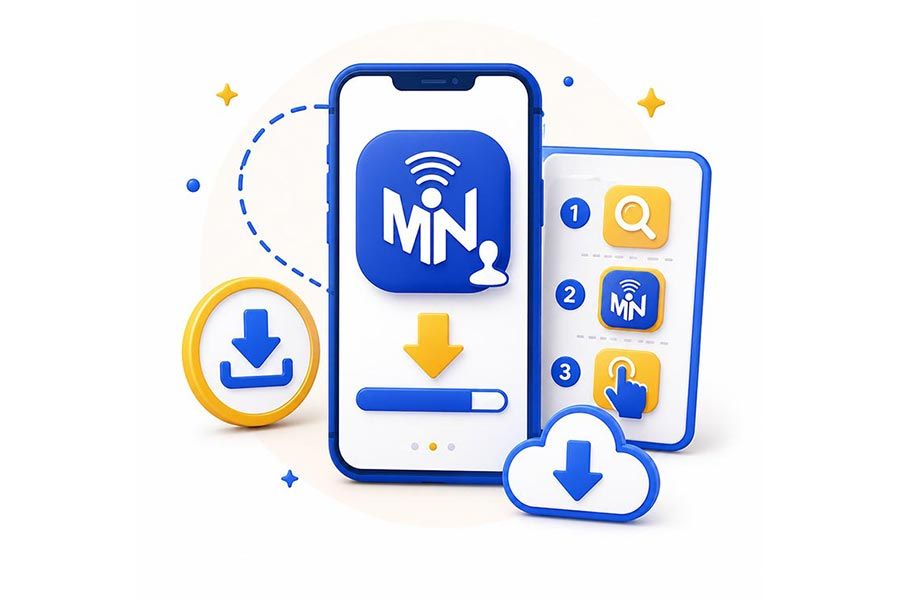
How to download Myanmar Net Appမြန်မာနက် App Download လုပ်နည်း

Myanmar Net account creation with phone numberဖုန်းနံပါတ်ဖြင့် မြန်မာနက် အကောင့်ဖွင့်ခြင်း

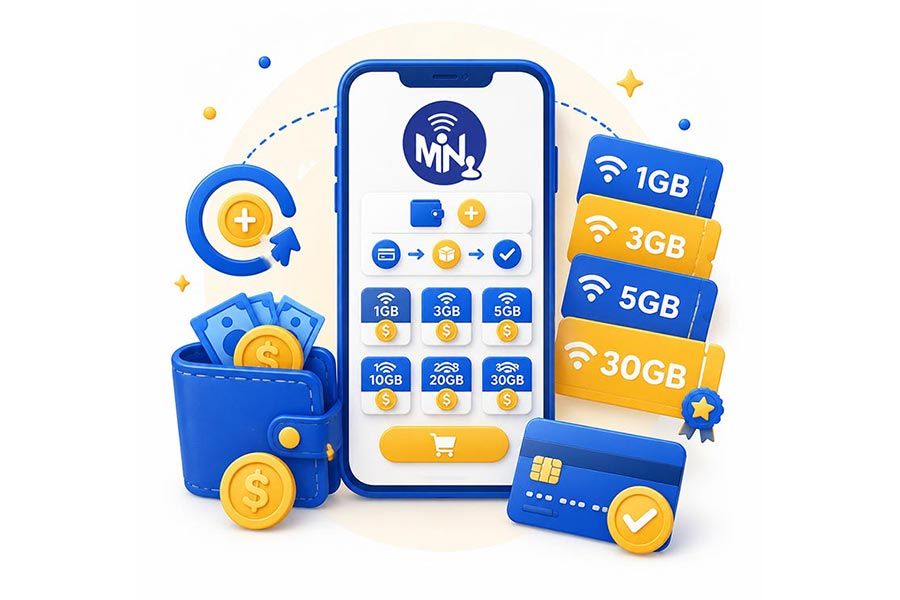
Buy Prepaid Package on Myanmarnet AppMyanmarnet App ထဲတွင် ငွေဖြည့်သုံးကဒ် ပက်ကေ့ချ် များ၀ယ်ယူနည်း

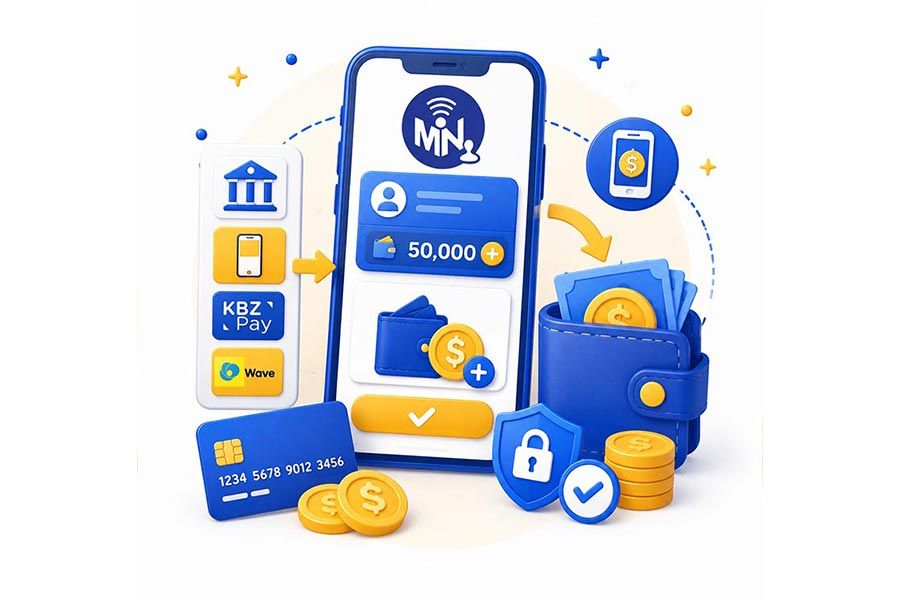
How to add Top-up on Myanmarnet AppMyanmarnet App ထဲတွင် ငွေဖြည့်နည်း

Check Bill Payment History on Myanmarnet AppMyanmarnet App ထဲတွင် ဘေလ်ပေးဆောင်မှုမှတ်တမ်းများ စစ်ဆေးခြင်း

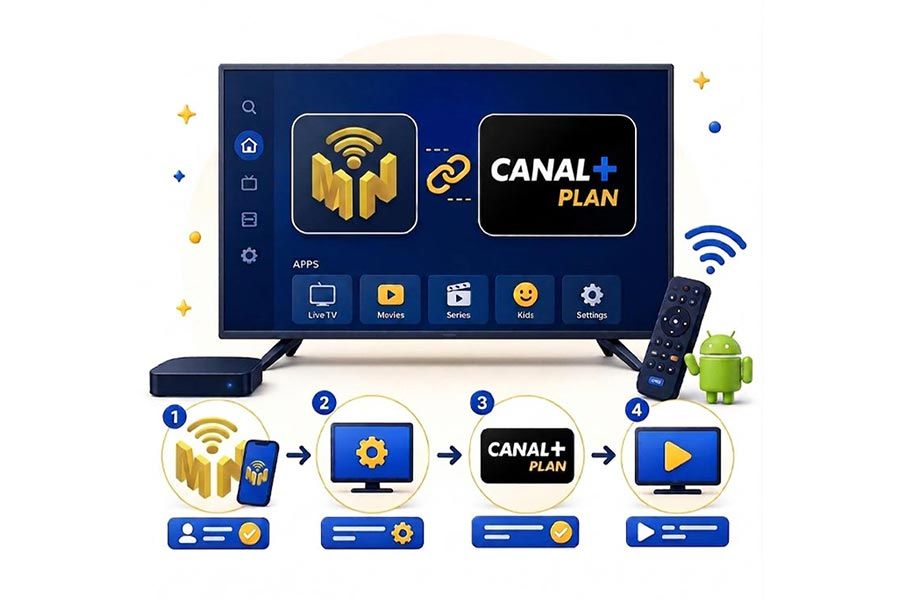
How To Use MN & CANAL+ Plan on Android TVAndroid TV တွင် မြန်မာနက်နှင့် CANAL+ Plan ကို ချိတ်ဆက်အသုံးပြုနည်း

How to Purchase Myanmar Net Internet Packages via KBZPayမြန်မာနက် ဖုန်းအင်တာနက်ကို KBZPay တွင် ဝယ်ယူနည်း

How to Purchase Myanmar Net Internet Packages via WAVEမြန်မာနက် ဖုန်းအင်တာနက်ကို WAVE တွင် ဝယ်ယူနည်း

How to Change Your Wi-Fi Password YourselfWi-Fi လျှို့ဝှက်နံပါတ်ကို မိမိကိုယ်တိုင် ပြောင်းလဲပုံ

How to View Notifications in the Myanmar Net AppMyanmarnet App ထဲတွင် Notifications ကြည့်ရှုပုံ

Pay Monthly Internet Bills via KBZPay and WAVEလစဉ်ကြေးဘေလ် ပေးချေခြင်း (KBZPay , WAVE)

How to Check Your Internet Connection Statusအင်တာနက် ကွန်ရက်အခြေအနေကို စစ်ဆေးကြည့်ရှုပုံ

How to Make Direct Inquiries via Myanmar Net Chat 24/7မြန်မာနက် Chat မှ တဆင့် 24/7 တိုက်ရိုက် မေးမြန်းပုံ

Popular pagesလူသုံးများသော စာမျက်နှာများ